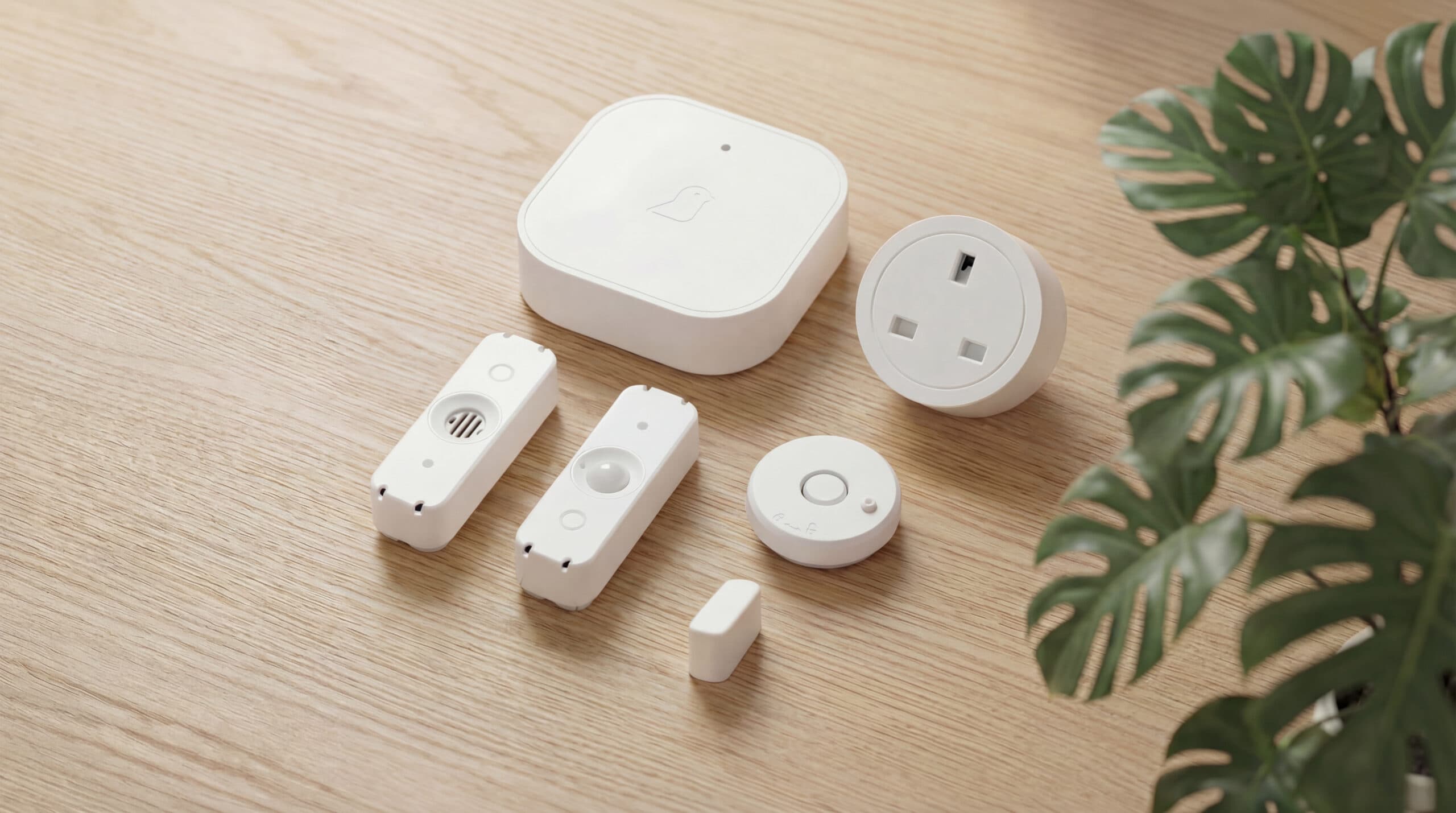
Once your sensors are set up, you’re ready to log in and start using the portal. You can log-in online here.
Trouble logging in? No problem – call our team on 01865 408366 or email help@canarycare.co.uk – we’re here to help!
The Canary Care Portal brings together real-time activity, behavioural insights and intelligent alerts into one simple, intuitive platform – helping you stay connected to what matters most. See what’s happening today, understand changing routines and act with confidence – wherever you are.
A complete picture
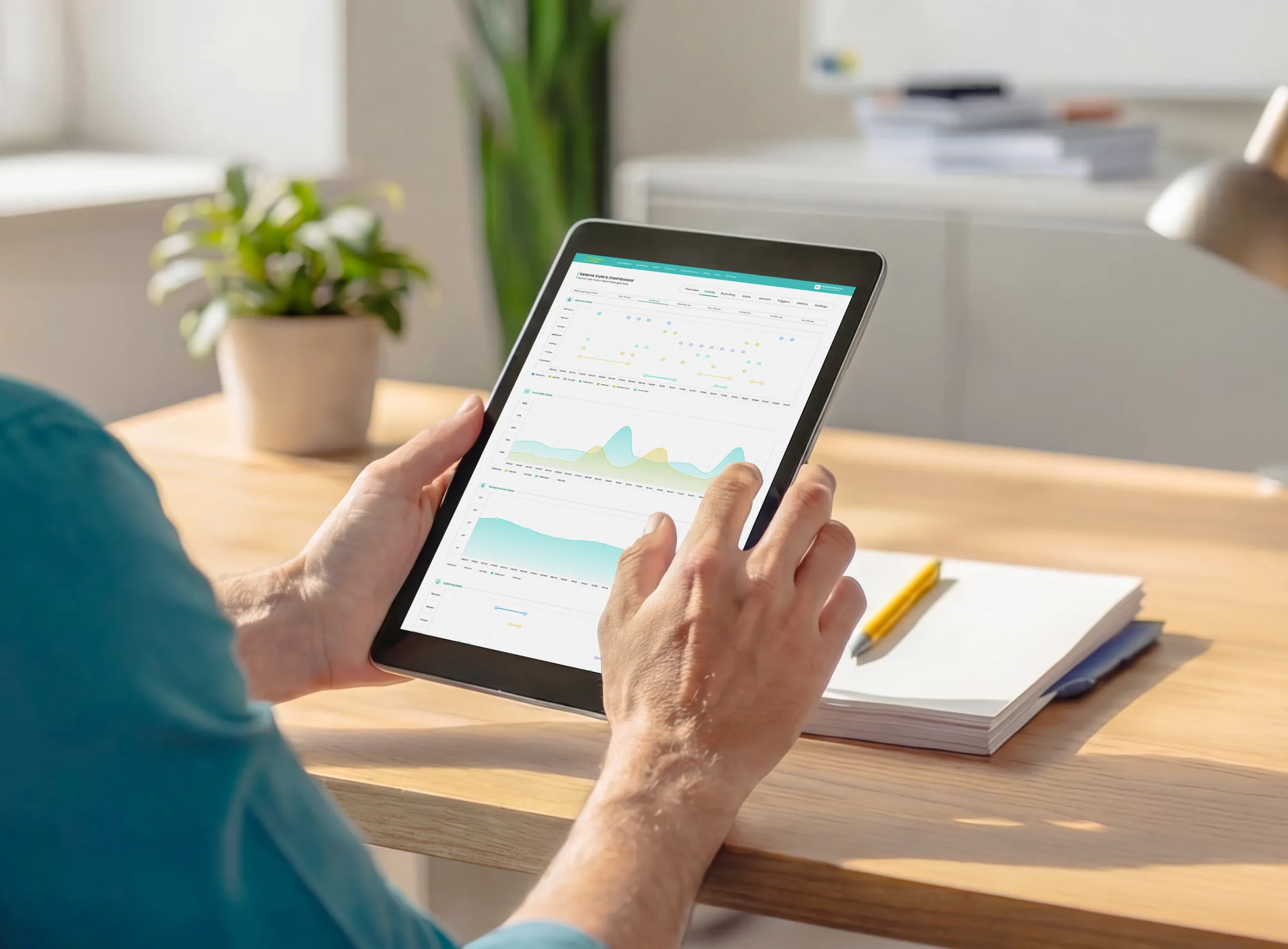
The Portal brings together live activity, alerts and behavioural insights into one simple dashboard.
Quickly see what’s happened today, how it compares to normal, and whether anything needs your attention – without interpreting complex data.
Meaningful insight
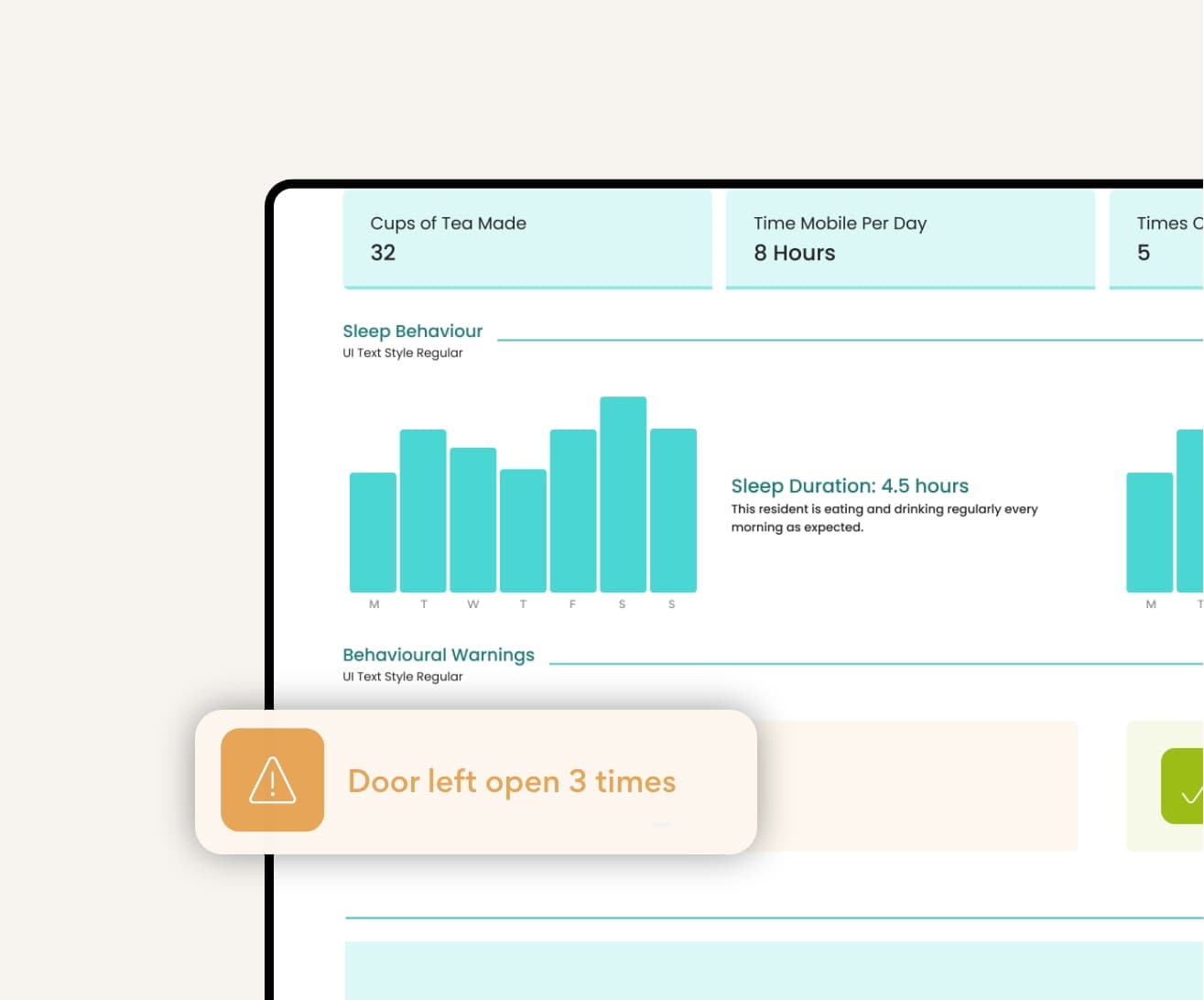
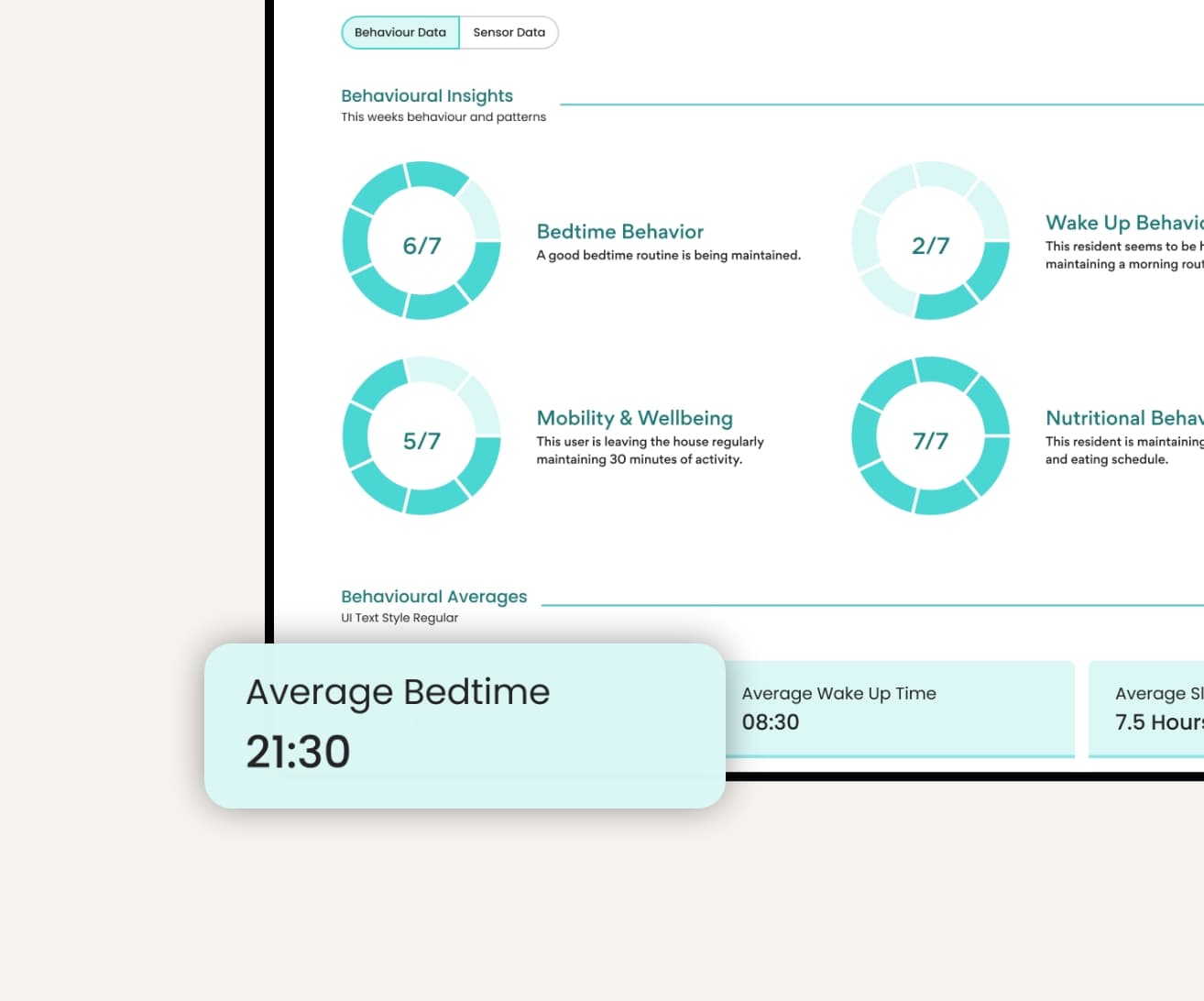
From sleeping patterns and bathroom visits to kitchen activity and movement around the home, the Portal transforms sensor data into easy-to-understand insights.
Simple charts and trends help you recognise subtle changes over time, making it easier to identify when additional support may be needed.
Intelligent monitoring
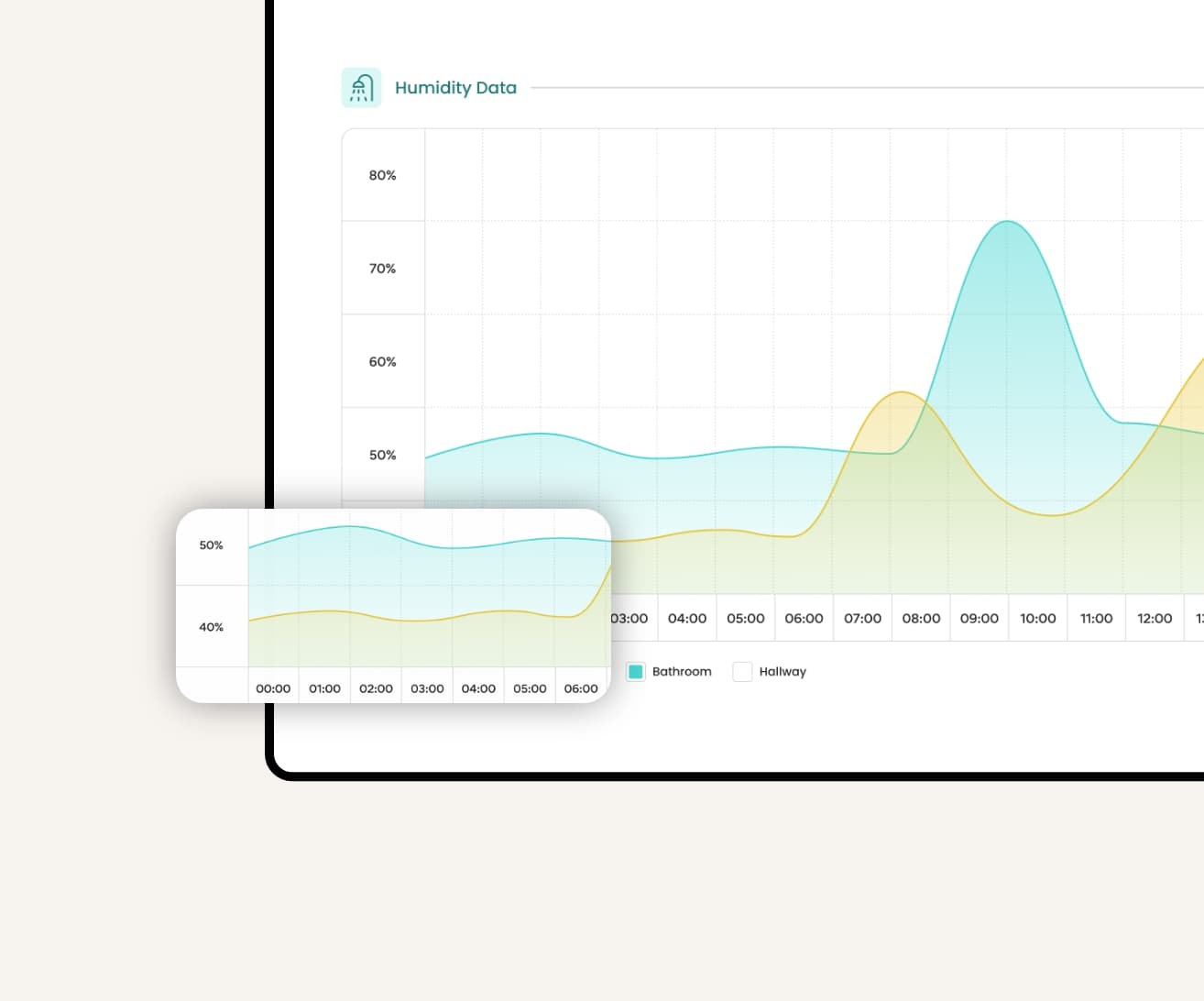
Monitor movement, daily routines, environmental conditions and connected devices from one place.
Rather than treating every home the same, the Portal helps build a picture of individual routines, creating a more meaningful view of wellbeing.
Alerts that matter
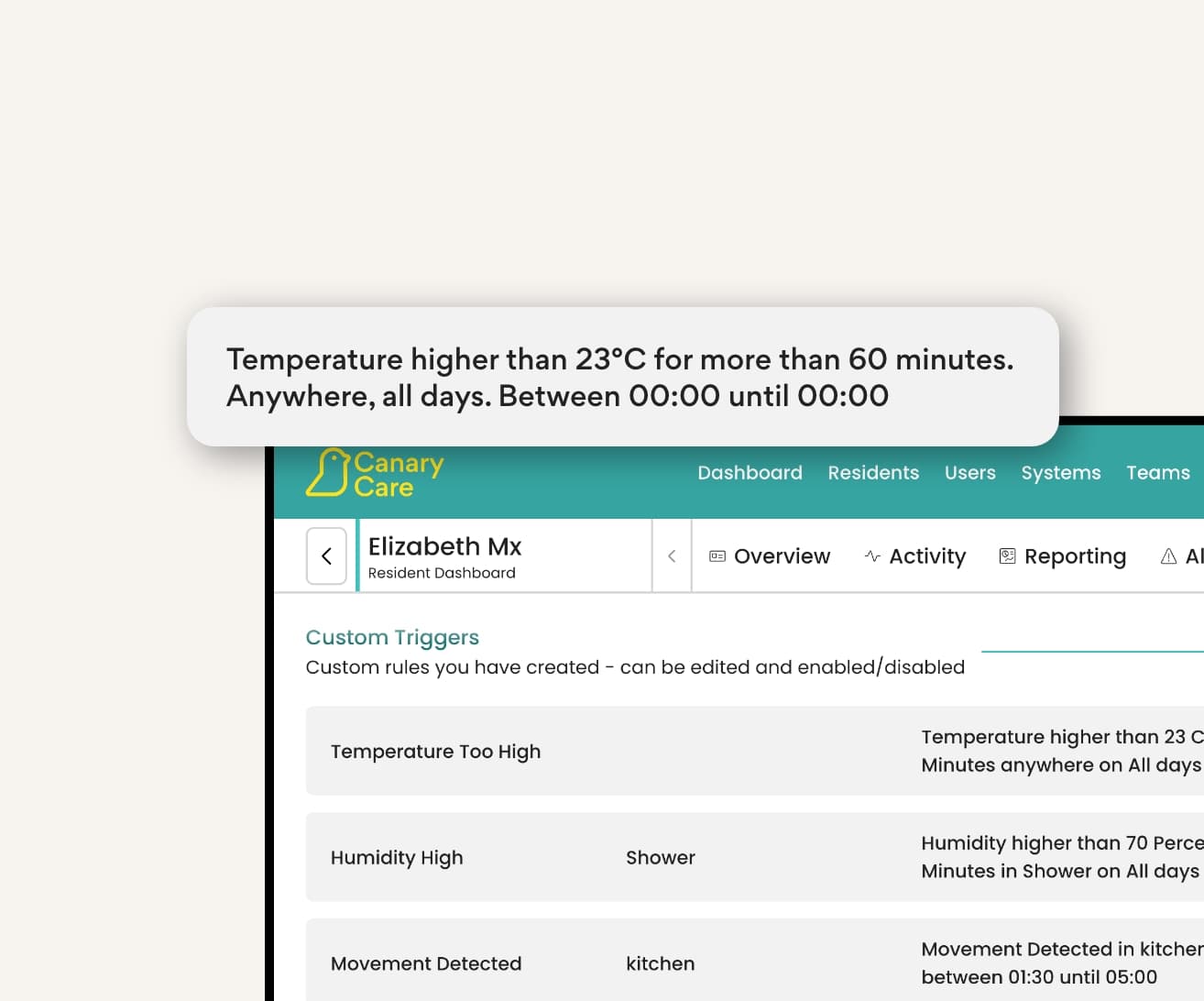
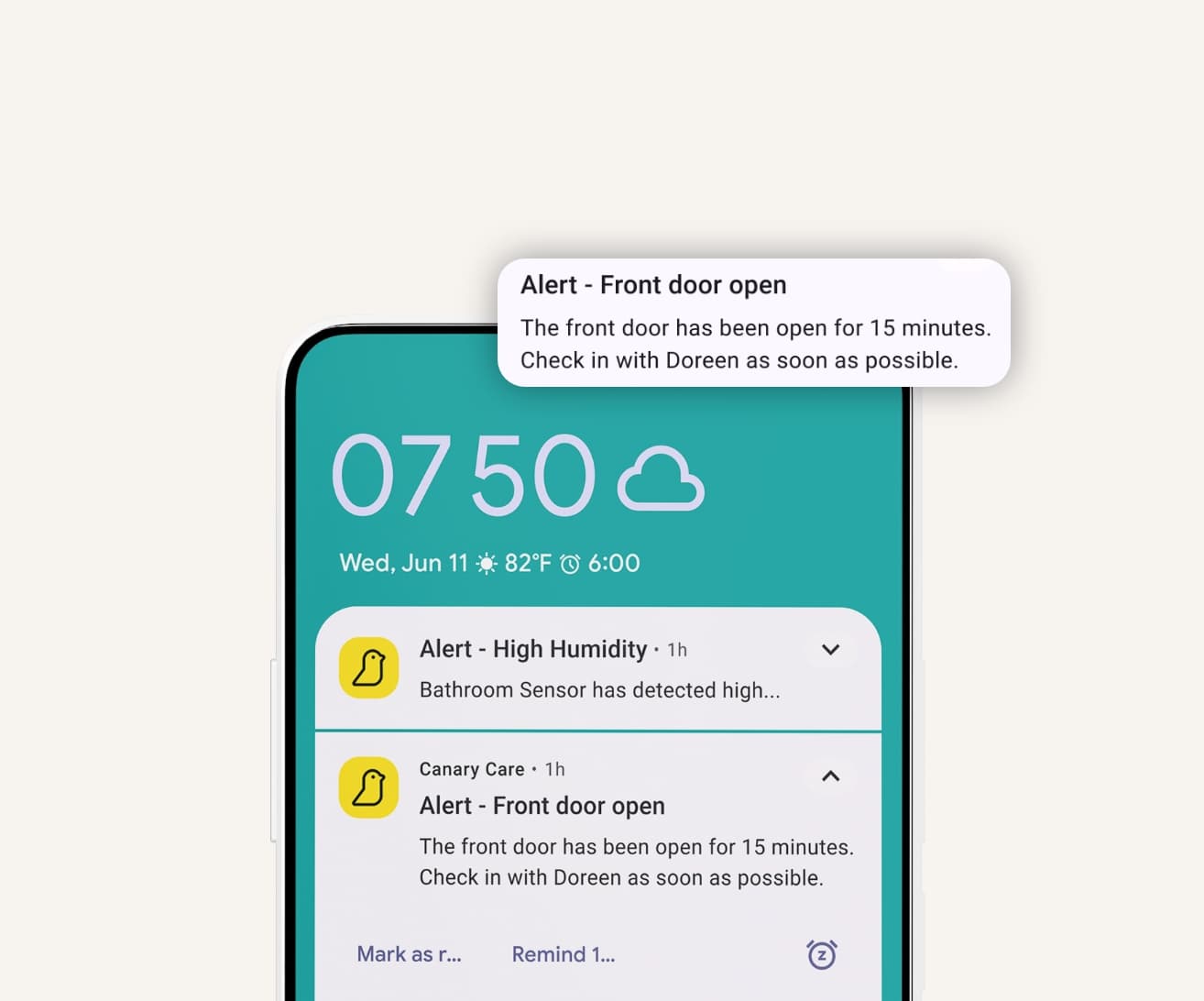
The Portal highlights meaningful changes in behaviour, helping you act early without overwhelming you with unnecessary notifications.
Alerts can be tailored to individual routines, giving you confidence that when you’re notified, it’s worth checking in.
Reports & trends
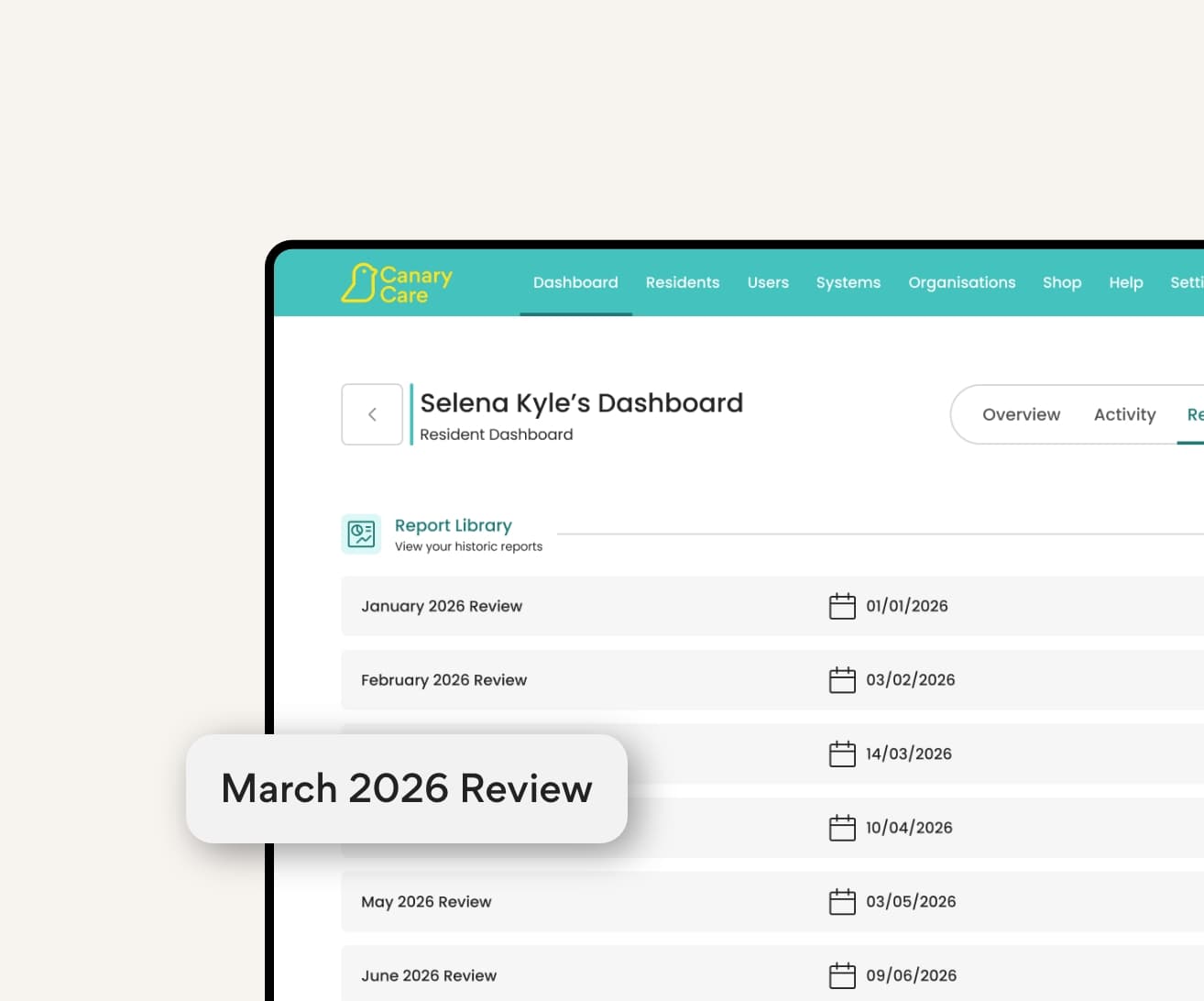
Generate clear reports showing activity patterns, behavioural trends and sensor information over time.
Whether you’re supporting a loved one or reviewing care, the Portal gives you the evidence to make informed decisions with confidence.
Activity timeline
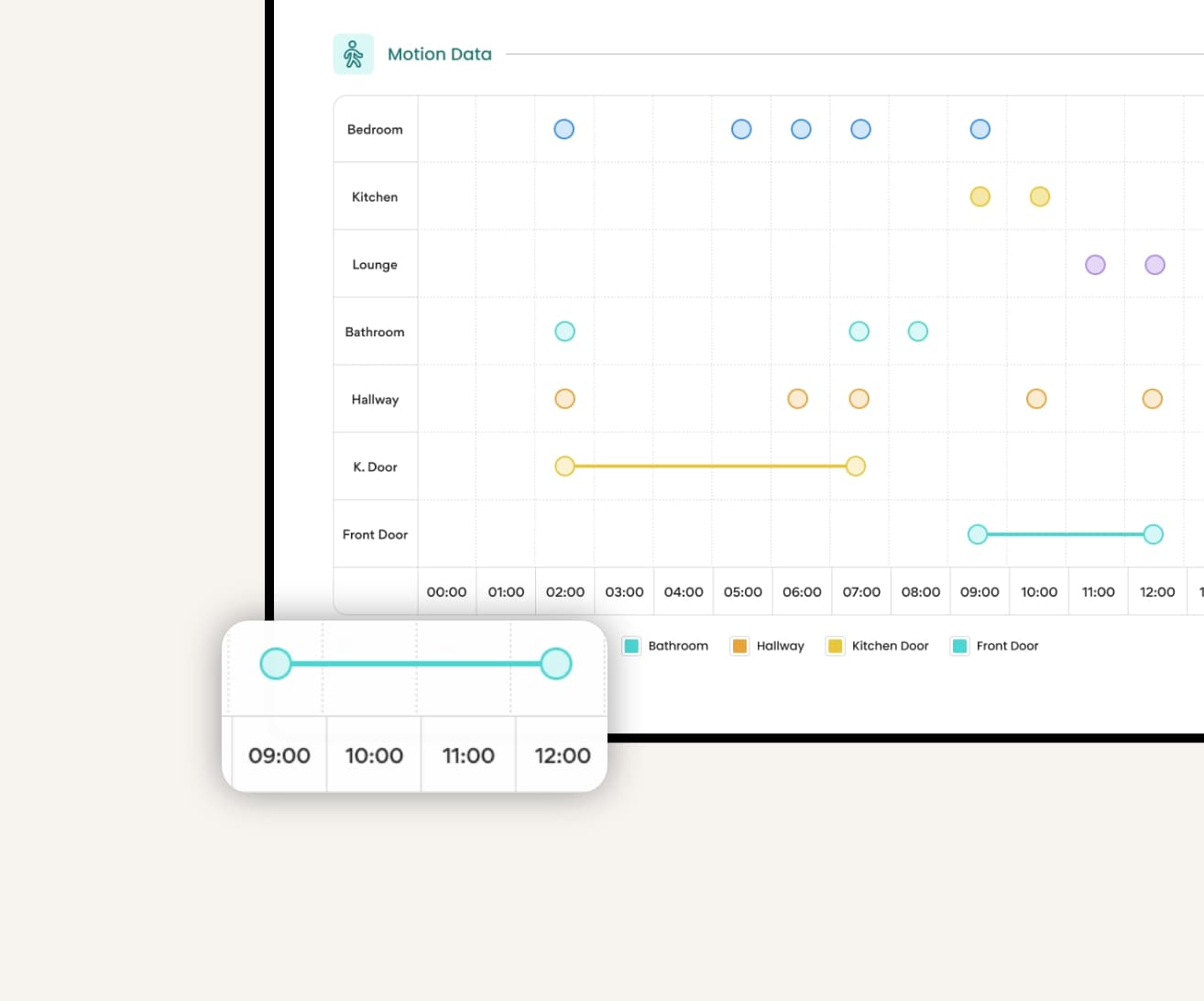
The interactive timeline shows how activity flows throughout the day, helping you understand movement between rooms and place alerts into context.
It’s a simple way to not only see what happened at a specific time, but how someone’s entire day unfolded.
Connected care
Secure online access means families, carers and professionals can stay connected from anywhere.
With multi-user access, everyone involved can work from the same trusted information, making collaboration and communication simpler.
Canary Care Portal
We’ve pulled together some common questions about how our Canary Care Portal works, and how best to use it.
Once your sensors are set up, you’re ready to log in and start using the portal. You can log-in online here.
Trouble logging in? No problem – call our team on 01865 408366 or email help@canarycare.co.uk – we’re here to help!
We’d recommend you name each sensor by room or location, so they’re easy to keep track of.
In the Portal, head to ‘Sensors’ and click on the cog icon. Enter the name you’d like, and specify whether it’s a door, or a motion sensor. For example: ‘Kitchen, door’ or ‘Bedroom, motion’.
Then it’s easy to set up alerts – so if you know someone hasn’t gone in the kitchen for a few hours, you can check in to see if they’ve eaten anything that day.
You’ll need to add your mobile number to set up SMS alerts. Head to the Account section, then click ‘Update Personal Details’ – you can enter your number here.
Alerts are created from Triggers. From the resident dashboard, select the ‘Triggers’ tab in the header bar. Click or tap the ‘Add Trigger’ button, then select the conditions you want to trigger an Alert.
You can set certain rules to give you alerts at various times – either for the whole system, or individual sensors. Just head to ‘Rules’ to get started. With the drop-down menus, you can set up rules for movement, temperature and doors.
For example, you could set an alert to let you know if someone is up at night – this could be an alert if the bedroom door sensor activates between 9pm and 6am. Or you might need to know if someone is warm enough, so you can get alerted if the temperature drops below a certain level. There are so many ways alerts can help with specific needs, you can contact our team for personalised advice and help.
Yes, you can change Alert rules, notification settings, and what you want to monitor at any time through the Canary Care Portal.
If your needs change — for example if someone becomes more independent or requires closer oversight — you can adjust which sensors are used or add others to the system. If you need help making changes, our support team can guide you through updating your set-up, Alerts or account settings.
View sensor data any time by selecting activity charts. You can filter these charts by date and time range, sensor type, and notifications.
To create your own PDF downloadable reports, select the ‘Reporting’ tab in the Resident Dashboard and click or tap the ‘New report’ button.